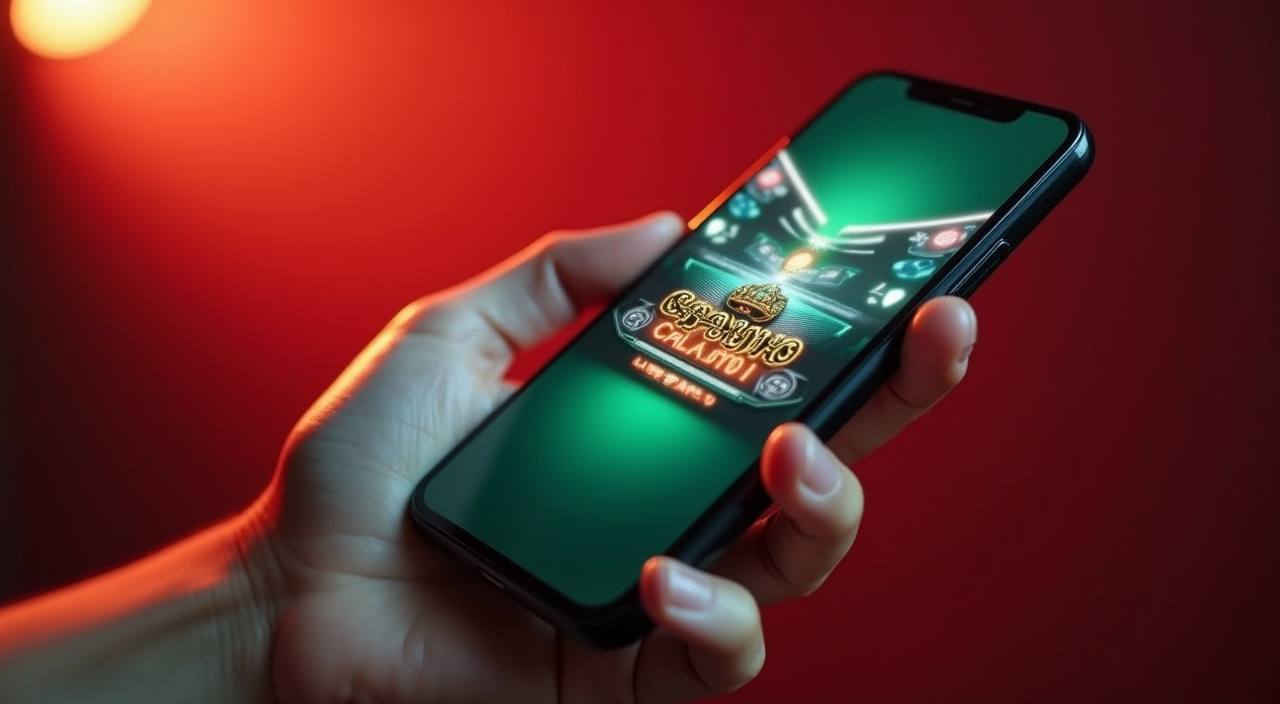
The bh99a app experience runs through your mobile browser — no store listing required to reach Cricket Sportbook, Crash Rocket or live tables from your phone. Open the current domain, sign in, and the full lobby loads directly on your screen. Availability depends on your local law and eligible region.
If you run into trouble loading the bh99a lobby on your phone — whether the page stalls, your account session drops, or you need to verify the correct current domain — our support paths are listed below. Check the contact section inside your account dashboard after login for the most current channel details, as availability may update periodically.
App Support Chat
Reach the support chat from inside your logged-in account dashboard. Describe the device type and browser you are using so the team can point you to the right access steps for your specific screen and connection.
Email Support
For account recovery or domain verification queries that need a written record, use the email address shown in the Contact section of your account. Response times are listed on that page alongside the published channel hours.
Access and Device Help
The device and browser guidance page inside your account explains which browsers render the lobby correctly and how to clear cache if the mobile site fails to load. Start there before raising a support ticket.
VERIFY BEFORE ACCESS
Four Access Checks for Safer Mobile Use
Using bh99a on a mobile browser carries the same account-security responsibilities as desktop. Before you sign in from any device, run through these four checks to make sure you are on the correct domain and that your credentials stay protected. The published recovery path is the fastest route back if you ever lose access to your account.
Confirm the Current Domain
Always load bh99a through the domain published in our official communications. Bookmark the verified address directly from that source so you are not relying on a search result or a third-party link that may point elsewhere.
Review Published Device Guidance
The device guidance page in your account lists the browsers and operating systems that have been confirmed to render the lobby layout correctly. Check that page first if your screen shows broken elements or missing navigation.
Protect Your Account Credentials
Do not save your bh99a password in a shared browser or on a device used by others. Use the password-manager or private-browsing option on your personal phone, and update your password through the account security page if you suspect any issue.
Use the Published Recovery Path
If you cannot sign in from your mobile browser, follow the account recovery steps shown on the login page — not advice from third-party forums. The recovery form is the fastest and safest route to restoring access to your lobby.
INSIDE MOBILE BROWSING
What the bh99a Mobile Site Actually Delivers
Load bh99a on a current Android or iOS browser and the layout adapts to your screen width automatically. The navigation bar collapses into a compact menu so you can move between the sportsbook — including Cricket Sportbook and Football BetMarket — and the crash game section without scrolling back to the top each time. Your account page is reachable from the same menu: transaction history, active positions and help links all sit one tap away. The lobby discovery rail organises titles horizontally, matching how you browse on a phone rather than forcing a desktop grid onto a small screen. If a section does not render correctly, the device guidance page in your account dashboard shows which browser version resolves the display issue. Access and full feature availability depend on your local law and eligible region.
RENDERED PAGE BEHAVIOUR
Mobile Access Features You Can See on Screen
The features below describe what the bh99a mobile browser site visibly delivers based on how the page is built. These are rendered behaviours you can check yourself once you are signed in — not inferred native-app capabilities.
Compact Navigation Menu
The full site navigation collapses into a tappable menu on smaller screens. You can reach the sportsbook, crash games such as Crash Betboost, table games and your account section from a single tap without reloading the page.
Horizontal Game Discovery Rail
Game categories load in a horizontal scroll rail on mobile, matching the way you naturally browse on a phone. Titles from the slots and crash categories appear in a scannable row rather than a vertical stack that requires heavy scrolling.
Account and Transaction Access
Your account dashboard — including transaction history and active bet positions — loads within the same mobile browser session. No separate app window opens; everything runs in the tab you already have open.
Help Pages In-Session
Support links and the device guidance page are accessible directly from the mobile browser without leaving your authenticated session. You can check the help section and return to the lobby without signing in again.
THREE STEPS TO ACCESS
Mobile Access in 3 Steps
Getting into the bh99a lobby on your phone does not involve an app store or a file download. The path runs through your mobile browser. Start with the verified domain, confirm your browser is current, and sign into your account — from there the full lobby is available on your screen. If you reach the login page and the layout looks broken, try switching to Chrome on Android or Safari on iOS, clear the browser cache, and reload. The lobby should render correctly once the page has a clean load. These three steps cover the majority of access queries we receive from mobile users in Bangladesh.
Open the Current Domain
Navigate to the bh99a domain published in your account confirmation or official channel. Type it directly into your mobile browser address bar rather than relying on a search result, to make sure you land on the correct page.
Check Browser Compatibility
The mobile site is built for current versions of Chrome, Firefox and Safari. If your browser is several versions behind, update it from your device's app store before loading the lobby. The device guidance page in your account lists confirmed compatible versions.
Sign In Securely
Enter your account credentials on the bh99a login page. Once authenticated, the full lobby — including Cricket Sportbook, Crash Rocket and table games — is available in the same browser tab. Use private browsing on a shared device to protect your session.
DEVICE COMPATIBILITY CHECK
Checking Browser and Screen Compatibility
Before you expect the full bh99a mobile lobby to load correctly, run through this compatibility checklist. These points reflect visible, checkable conditions — not invented hardware specifications or RAM figures. Your account dashboard shows the most current device guidance after login.
Browser Version
Use an up-to-date version of Chrome, Firefox or Safari. Older browser builds may fail to render the horizontal game rail or the account menu correctly. Check your current version in the browser settings and update if needed.
Screen Layout Rendering
The lobby layout is built to adapt from small phone screens up to tablet widths. If columns overlap or navigation items are cut off, a browser update or cache clear usually resolves the display problem.
Account Login Requirement
The game lobby and account sections require an active signed-in session. Browse-without-login is limited to the landing page. Have your account credentials available before you start the mobile access steps.
Stable Internet Connection
Crash games such as Crash Betboost and live sections of Cricket Sportbook load round-by-round data continuously. A stable mobile data or Wi-Fi connection reduces the chance of a mid-session disconnect interrupting your position.
Verify the Domain Each Session
Check that the URL in your browser matches the domain published in your bh99a account communications every time you open the site on a new device or after a long period away. Access and availability depend on your local law and eligible region.
APP ACCESS FAQ
Common Questions About the bh99a App
These are the questions we see most from Bangladesh users who want to use bh99a on their phone. Each answer points to the specific step or page where you can check the current state of that feature.
Is there a native bh99a app available for Android or iOS?
Whether a native app build is currently offered is shown in the official communications from your account and on the bh99a domain itself. Do not download any APK from a third-party source claiming to be bh99a — access through the verified mobile browser is the confirmed path we publish.
Which mobile browser works with the bh99a lobby?
Current versions of Chrome on Android and Safari on iOS both render the full lobby layout, including the horizontal game rail and account dashboard. Firefox is also supported. If the layout breaks, update your browser from your device's app store and reload the page.
Can I access Cricket Sportbook and Crash Rocket from my phone?
Yes. Once you are signed into your account on a compatible mobile browser, the full lobby — including Cricket Sportbook, Crash Rocket and Crash Betboost — is available in the same browser tab. Navigation between categories runs through the compact mobile menu.
Why does the bh99a mobile site look broken on my screen?
A broken layout is usually caused by an outdated browser or a cached page load. Clear your browser cache, update to the latest browser version, and reload the domain. If the problem continues, check the device guidance page inside your account dashboard for confirmed compatible configurations.
How do I recover my account if I cannot sign in on mobile?
Use the recovery form on the bh99a login page — the link appears below the password field. Follow the steps shown there, which include verifying the email or phone number linked to your account. Do not rely on third-party recovery advice; the published recovery path is the only verified route.
Does using bh99a on mobile in Bangladesh require any special setup?
No special configuration is needed beyond a compatible browser and an active bh99a account. Availability depends on your local law and eligible region. If you are accessing from Bangladesh and the page does not load, verify the correct domain from your account confirmation first before troubleshooting further.
 Casino / Live